Always Connected: Building a Reliable Off-Grid Internet and Communications Stack
Off-grid doesn’t mean offline.
Whether you’re managing a homestead, working remote, checking weather reports, or calling for help, internet and communications systems are essential, even in remote environments.
This guide walks through how to stay online without the grid using tools like Starlink, LTE boosters, mesh Wi-Fi systems, and low-power routers. Each option has strengths and weaknesses, and the most resilient setups combine several layers of connectivity.
Who This Is For
This guide is for people who need real connectivity, not occasional signal.
It’s especially useful if you:
- Work remotely from an off-grid location
- Run a homestead or remote property
- Need reliable emergency communication
- Travel or live in a van or mobile setup
- Want redundancy beyond a single internet source
Reliable connectivity deserves a reliable setup.
Why Internet Still Matters Off the Grid
Connection enables:
- Emergency weather alerts
- Remote work and income
- Security systems and cameras
- Emergency communication
- Education and research
- Navigation and weather apps
Reliable communication systems can mean the difference between isolation and informed decision making when living remotely.
The Real Risk of Going Offline
Most people underestimate how quickly things become difficult without connectivity.
Without internet:
- Weather changes go unnoticed
- Supply planning becomes guesswork
- Emergency services are harder to reach
- Remote income disappears
Even basic connectivity dramatically increases resilience.
What Happens When You Lose Connection (Real Scenario)
Most people don’t plan for total signal loss, until it happens.
A realistic failure scenario might look like:
- Storm rolls in and blocks satellite visibility
- Cellular tower goes down or becomes overloaded
- Power drops below usable threshold for networking gear
Suddenly you lose:
- Weather updates
- GPS routing and map data
- Emergency alerts
- Contact with family or support networks
In remote environments, this isn’t an inconvenience. It’s a risk multiplier.
Building for Interruption
A resilient off-grid communication system assumes failure will happen.
Your goal is not perfect uptime. It’s graceful degradation.
That means:
- If Starlink drops → LTE still works
- If LTE drops → radio still works
- If everything drops → satellite messenger still functions
Each layer reduces risk.
Minimum Viable Redundancy
At a bare minimum, an off-grid setup should include:
- One primary internet source
- One secondary backup (different technology)
- One emergency communication method
Anything less leaves you exposed during real-world events.
Connection Options: Satellite, Cellular, and Long-Range Wi-Fi
Three major types of internet access are commonly used off-grid.
Satellite Internet: Starlink, HughesNet, and Viasat
Benefits include:
- Works almost anywhere with clear sky view
- Speeds often between 30–250 Mbps
- Independent from local infrastructure
Satellite systems are often the backbone of remote connectivity.
What Most People Miss About Satellite
Satellite connectivity provides infrastructure independence.
You are no longer tied to:
- Local ISPs
- Physical cables
- Regional outages
That independence is what makes it powerful off-grid.
Cellular Internet: LTE or 5G
Cellular systems use SIM cards and mobile networks.
Advantages include:
- Fast speeds if near a tower
- Lower power draw than satellite
- Works with routers and hotspots
Cellular systems work best when you are within roughly 10–30 miles of a tower.
Real-World Limitation
Distance isn’t the only factor.
Terrain matters:
- Hills
- Trees
- Buildings
These can weaken signal significantly, which is where boosters come in.
Long-Range Wi-Fi: Point-to-Point Links
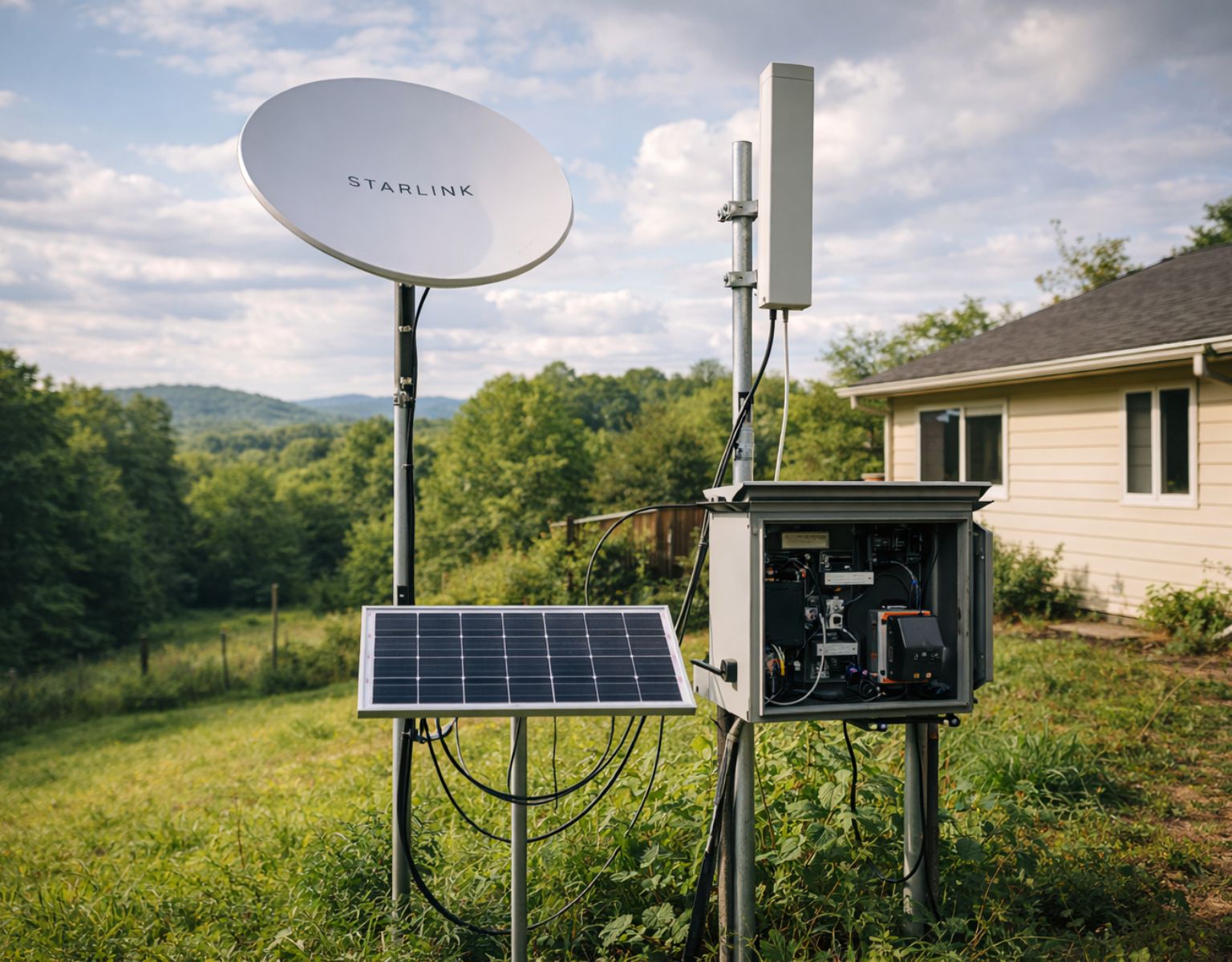
Point-to-point wireless links can extend internet from a nearby house or building with service.
Requirements include:
- Clear line of sight
- Directional antennas
- Moderate technical setup
This option works well for hybrid land setups or cabins near populated areas.
Hidden Advantage
If you have access to a nearby connection, this can be:
- The lowest power option
- The lowest cost option
- Extremely stable once installed
But it depends entirely on geography.
[See Related: The 5 Best Off Grid Internet Options for Remote Living]
Starlink: What It Does Right (and Where It Fails)
Starlink has dramatically changed what’s possible for off-grid internet.
Pros
- True connectivity almost anywhere
- Plug-and-play hardware
- Fast speeds suitable for video calls and work uploads
- Mobile hardware options
Cons
- Power draw: roughly 50–100 watts continuous
- Hardware cost: $599–$2,500
- Monthly service: $120–$150
- Requires clear sky view
Starlink works best for full-time off-grid homesteads, vanlife setups, and remote cabins with solar or generator power.
Power Reality Most People Ignore
Starlink is often the largest constant power draw in an off-grid system outside of refrigeration.
At 75W average:
- 1.8 kWh per day
- ~55 kWh per month
That has major implications for your solar and battery sizing.
Mitigation Strategies
- Use timers to shut down overnight
- Schedule heavy usage windows
- Pair with battery systems sized for continuous draw
- Use sleep mode when possible
Mounting and Placement Strategy
Starlink performance depends heavily on placement.
Key considerations:
- Full sky visibility (no trees or structures)
- Elevated mounting position (roof, pole, or tower)
- Stable mounting to handle wind and snow
Even partial obstruction can cause:
- Dropouts
- Reduced speeds
- Intermittent connectivity
Cold Weather Performance
In colder climates, Starlink performs well, but requires planning.
Consider:
- Snow accumulation on dish
- Cable flexibility in freezing temperatures
- Ice buildup on mounts
Most Starlink dishes include a snow melt feature, but this increases power draw.
Cable and Hardware Protection
Off-grid setups expose hardware to:
- UV damage
- Moisture
- Rodents
Protect your system by:
- Running cables through conduit
- Using weatherproof junction boxes
- Elevating connections off the ground
Small details here prevent major failures later.
LTE Boosters: Signal Where There Was None
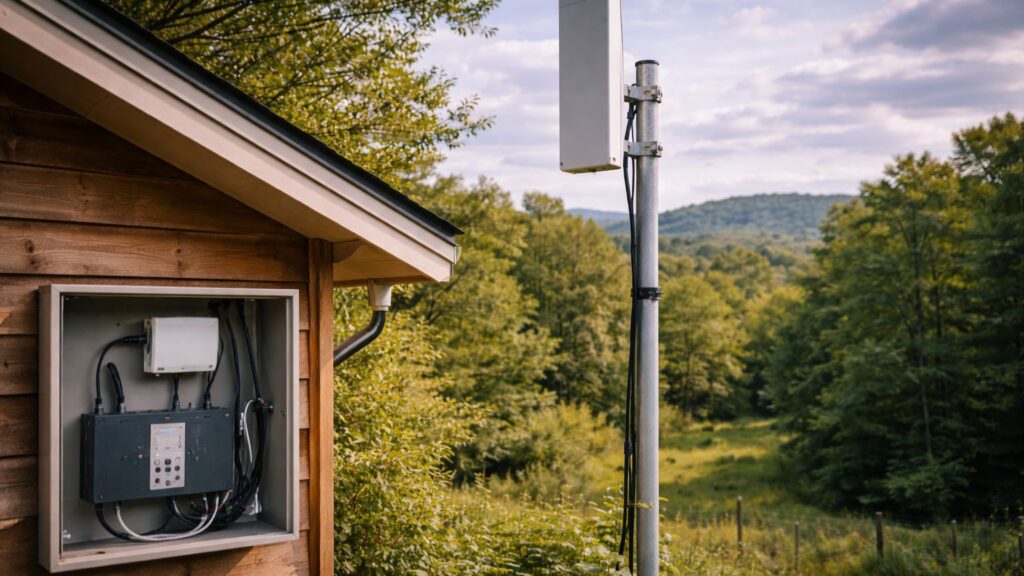
If you’re within range of a cell tower but signal is weak, LTE boosters can dramatically improve reception.
Typical system components include:
- Outdoor directional antenna
- Signal booster amplifier
- Indoor broadcast antenna
These systems capture weak outdoor signals and rebroadcast them indoors.
When Boosters Actually Work
Boosters are highly effective when:
- There is at least a weak signal outside
- Antennas are properly positioned
- Line-of-sight is partially available
They do not create signal. They amplify existing signal.
Example Systems
- weBoost Drive Reach RV
- HiBoost Home 10K
- SureCall Fusion4Home
Combining an LTE booster with a cellular router creates a powerful off-grid internet solution.
Antenna Positioning Makes or Breaks the System
The most common mistake with LTE boosters is poor antenna placement.
To maximize performance:
- Mount outdoor antenna as high as possible
- Aim directly at nearest tower (use apps like CellMapper)
- Keep cable runs as short as possible
Even a few feet of elevation can dramatically improve signal strength.
Directional vs Omni Antennas
Two main antenna types:
Directional antennas:
- Higher gain
- Better for weak, distant signals
- Must be aimed carefully
Omni antennas:
- Easier setup
- Lower gain
- Better for mobile setups
For fixed off-grid homes, directional antennas almost always perform better.
Real Expectation
Boosters don’t create signal. They amplify what’s already there.
If you have zero signal, a booster won’t help.
But if you have even weak signal, they can:
- Increase speeds
- Stabilize connections
- Reduce dropped sessions
Mesh Wi-Fi: Whole-Property Coverage
Once internet reaches your property, mesh Wi-Fi distributes signal across buildings and rooms.
Popular systems include:
- TP-Link Deco X20 or X55
- eero 6+
Mesh systems allow coverage across cabins, workshops, barns, or multiple structures.
Real Advantage
Mesh networks eliminate dead zones without complex wiring.
This is especially valuable when:
- Buildings are spread out
- Walls are thick (log cabins, metal siding)
- You want seamless roaming
Power Consideration
Each node consumes power.
Optimize by:
- Using only necessary nodes
- Running on DC where possible
- Turning off unused units
Extending Signal Between Buildings
Off-grid properties often include:
- Main cabin
- Workshop
- Garage or barn
- Guest structures
Standard Wi-Fi struggles across these distances.
Solutions include:
- Outdoor mesh nodes
- Point-to-point bridges
- Ethernet runs between buildings
Environmental Challenges
Signal can be affected by:
- Metal siding
- Dense wood walls
- Terrain changes
- Moisture and weather
Positioning nodes properly matters more than adding more hardware.
Practical Tip
Start with fewer nodes and test coverage before expanding.
Too many nodes can actually create interference and reduce performance.
Designing a Layered Connection System (What Actually Keeps You Online)
Most off-grid internet setups fail because they rely on a single connection.
Even if that connection is strong, fast, and expensive, it is still a single point of failure.
The Layered Approach
Reliable systems are built in layers.
Each layer serves a different purpose:
Primary Layer:
- Your main internet source (Starlink or LTE)
Secondary Layer:
- Backup connection using a different technology
Emergency Layer:
- Low-power communication that works when everything else fails
Why Different Technologies Matter
Redundancy only works if systems fail differently.
For example:
- Starlink can drop due to obstructions or weather
- LTE can fail due to tower outages or congestion
If both rely on the same conditions, they fail together.
Example Layered Setup
A practical off-grid communication stack might look like:
Primary:
- Starlink for high-speed internet and work
Secondary:
- LTE router with external antenna and booster
Emergency:
- Garmin inReach or ham radio
What Happens During a Failure
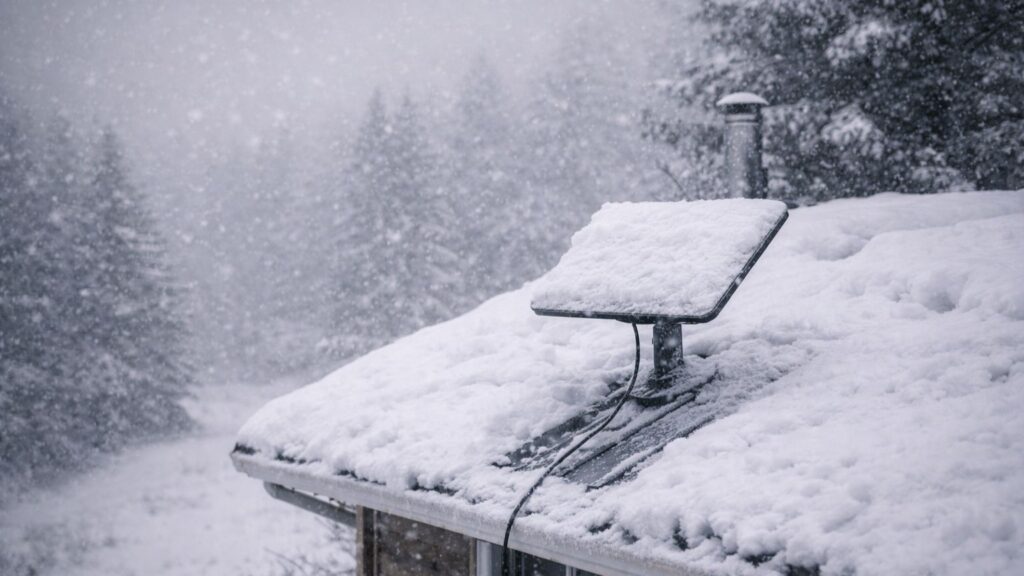
Scenario:
- Snowstorm reduces Starlink signal
- You switch to LTE for basic connectivity
- LTE slows down due to congestion
- You still retain emergency communication via satellite messenger
This is called graceful degradation. Your system loses performance, but not functionality.
Load Distribution (Often Overlooked)
A layered system improves efficiency.
Instead of running everything through Starlink:
- Use LTE for low-bandwidth tasks
- Reserve Starlink for heavy work (video calls, uploads)
This reduces:
- power consumption
- data usage
- system strain
Automatic vs Manual Switching
Some advanced setups allow automatic failover between connections.
But most off-grid users benefit from simple manual control:
- turn one system off
- activate another
This reduces complexity and power draw.
The Real Goal
Build a system that:
- stays online in bad conditions
- adapts to failure
- uses power efficiently
The Rule That Defines Reliable Connectivity
If your system depends on one signal: it will eventually fail
If your system has layers: it keeps working, even when things go wrong
Reliable connectivity matters most when conditions are at their worst.
Power-Efficient Routers and Data Monitoring
Power management matters when your internet runs on solar or battery systems.
Recommended Low-Draw Routers
- GL.iNet GL-X750 travel router
- TP-Link TL-WR902AC
- Pepwave MAX BR1 Mini
Power Optimization Tips
- Use DC power adapters instead of inverters
- Track power usage with energy meters
- Use timers or relays to shut systems off overnight
Data Management Matters Too
Many off-grid setups rely on limited data plans.
Use:
- Bandwidth monitoring tools
- Data caps and alerts
- Scheduled updates
This prevents unexpected overages or slowdowns.
Designing Your System Around Power Budget
Off-grid internet requires careful energy management.
Every component draws power:
- Starlink: 50–100W
- LTE router: 5–15W
- Mesh nodes: 3–10W each
- Boosters: 10–25W
This adds up quickly.
Daily Power Example
A typical setup might consume:
- Starlink (75W x 24h) = 1.8 kWh
- Router + mesh (15W x 24h) = 0.36 kWh
Total: ~2.1 kWh per day
That’s a significant portion of a small solar system.
Power Reduction Strategies
To stay efficient:
- Run Starlink only during active hours
- Use LTE for low-bandwidth tasks
- Turn off mesh nodes when not needed
- Use DC-powered equipment where possible
Smart System Design
Consider:
- Scheduling usage windows
- Prioritizing essential devices
- Build systems that scale up and down
This allows you to:
- Extend battery life
- Reduce solar requirements
- Maintain connectivity even in poor weather
The Real Goal
Prioritize uptime over maximum speed.
A slower system that stays online is more valuable than a fast system that fails.
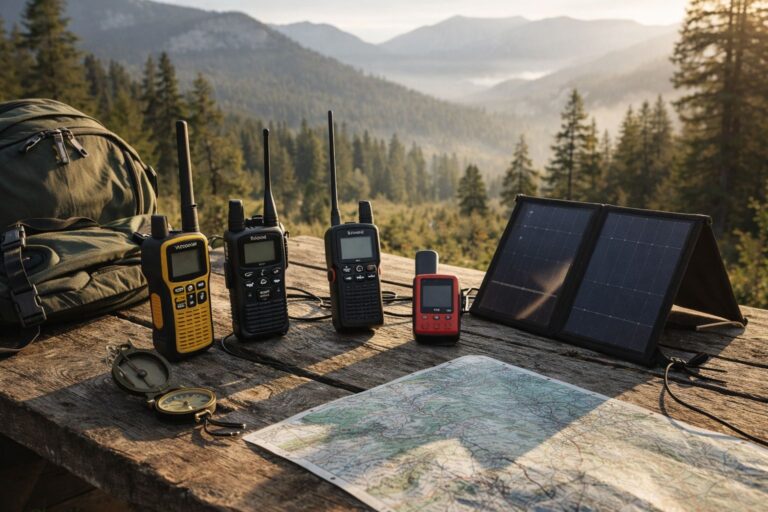
Ham Radio and Emergency Comms: True Off-Grid Resilience
Radio communication remains essential when networks fail.
Ham Radio (VHF/UHF)
Licensed amateur radio allows communication across significant distances.
Common starter gear includes:
- Baofeng UV-5R handheld radio
- TYT TH-9800 quad-band mobile radio
- Slim Jim roll-up antenna
Ham radio networks often relay emergency information during disasters.
Why Radio Still Matters
Radio works when:
- Internet is down
- Cellular networks fail
- Infrastructure is damaged
It is the final layer of resilience.
Satellite Messengers
Devices such as:
- Garmin inReach Mini 2
- Zoleo communicator
- SPOT X messenger
These allow short text messages or emergency SOS signals even when no cellular or internet signal exists.
Key Advantage
Satellite messengers use very little power compared to full internet systems, making them ideal emergency backups.
Real World Setup Examples
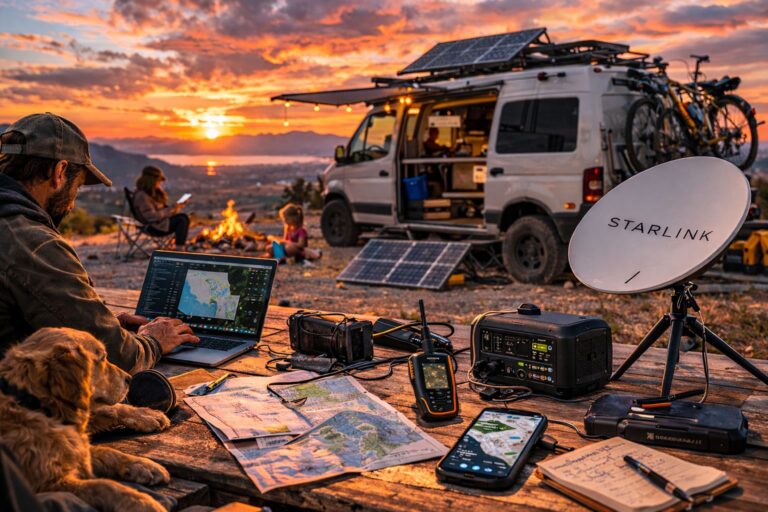
Vanlife Mobile Setup
- Starlink dish or SIM-based router
- 100Ah LiFePO₄ battery with 300W solar
- LTE booster for travel
- Travel router for local Wi-Fi
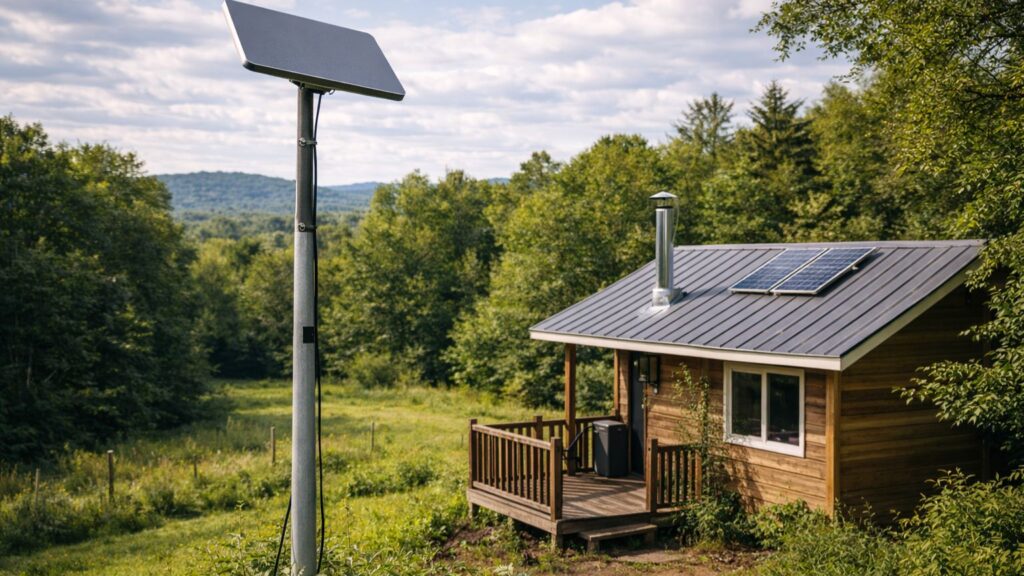
Cabin System
- Starlink dish mounted on pole
- Mesh Wi-Fi nodes inside cabin and workshop
- LTE backup router with booster
- Solar generator or battery bank
Remote Homestead Network
- Dual system: Starlink + LTE router
- External antennas
- Mesh network across buildings
- Larger solar and battery infrastructure
Layered Strategy Insight
The most reliable setups always include:
- Primary connection (Starlink or LTE)
- Secondary backup (LTE or satellite messenger)
- Local distribution (mesh Wi-Fi)
Multiple layers help maintain connectivity when individual components fail.
Common Mistakes to Avoid
1. Relying on One Connection Type
If it fails, you’re offline completely.
2. Underestimating Power Usage
Internet systems can drain batteries faster than expected.
3. Poor Antenna Placement
Height and direction matter more than hardware quality.
4. Ignoring Backup Communication
Internet access alone leaves important communication gaps.
5. Overcomplicating the Setup
More components = more failure points.
Keep it simple and layered.
Off-Grid Proven Networking Gear We Recommend
| Item | Use |
|---|---|
| Starlink Flat High Performance Kit | Satellite internet |
| weBoost Drive Reach RV | LTE signal booster |
| MoFi 5500 Router | Cellular internet router |
| TP-Link Deco X55 | Mesh Wi-Fi |
| GL.iNet Mudi Router | Low-draw travel router |
| Garmin inReach Mini 2 | Satellite emergency messaging |
[See Related: The 10 Best Off-Grid Radios and Satellite Communicators]
Final Thoughts: Signal Is Survival
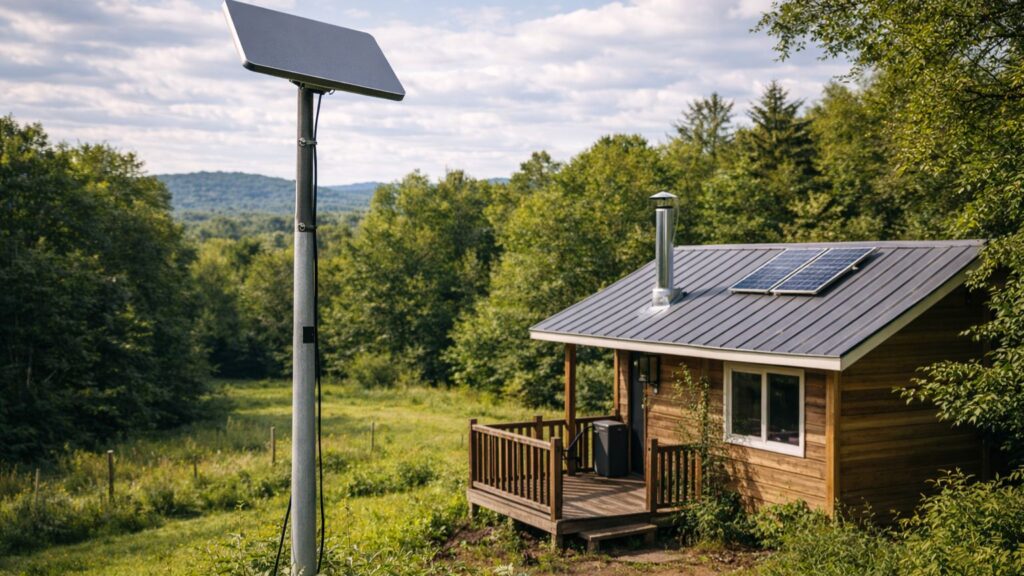
Connection supports information access, safety, work opportunities, and emergency communication when you live off-grid.
It provides information, safety, work opportunities, and emergency communication.
The most resilient systems use multiple layers:
- Satellite connectivity for remote access
- Cellular boosters where towers exist
- Mesh networks for property coverage
- Radio communication for true emergencies
Stay informed.
Stay reachable.
Stay connected, even when the grid goes dark.