Best Portable Power Stations for Apartments (2026 Buyer’s Guide)

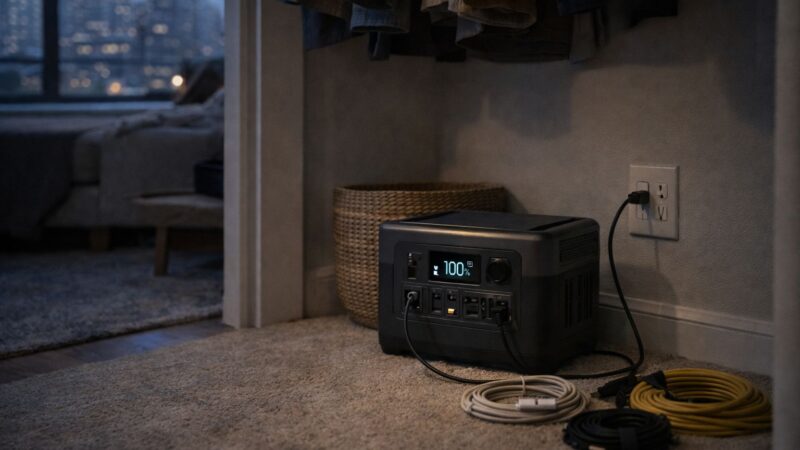
The best portable power station depends less on brand preference and more on how you expect to use it.
Some models prioritize portability, others maximize runtime, and some are designed to grow alongside a larger backup system.
The units below cover a wide range of apartment needs while maintaining strong reputations for reliability and ease of use.
1. Jackery Explorer 500
Best for: First-time buyers and lightweight emergency backup
The Explorer 500 remains a popular entry point because it focuses on simplicity. It is compact, easy to transport, and straightforward to operate, making it well suited to apartments where storage space is limited.
Highlights
- Approximately 500Wh capacity
- Multiple AC and USB outputs
- Compact and lightweight design
Why choose it
The Explorer 500 is an excellent choice for charging phones, tablets, laptops, lighting, and other low-power electronics during short outages.
Things to consider
Its relatively modest battery capacity makes it less suitable for extended outages or supporting several devices over long periods.
2. EcoFlow River 2 Pro
Best for: Frequent use and fast recharging
The River 2 Pro stands out because of its exceptionally fast charging speed.
For users who expect to recharge frequently between outages or regularly use their power station around the home, this convenience can become one of its biggest advantages.
Highlights
- Approximately 768Wh capacity
- Extremely fast AC charging
- Compact footprint
Why choose it
Fast recovery between uses makes the River 2 Pro particularly well suited to apartment living where wall charging is usually the primary charging method.
Things to consider
Its capacity provides an excellent balance for most users, although households preparing for extended outages may eventually want additional battery capacity.
3. Bluetti EB70S
Best for: Long-term durability
Bluetti has earned a strong reputation for combining practical designs with LiFePO₄ battery technology.
The EB70S offers a balanced combination of capacity, durability, and output options that works well for everyday backup use.
Highlights
- Approximately 716Wh capacity
- LiFePO₄ battery
- Multiple charging outputs
Why choose it
Users planning to keep the same power station for many years often appreciate the longer cycle life provided by LiFePO₄ batteries.
Things to consider
It is slightly heavier than some competing models, although many apartment users consider that a reasonable trade-off for the longer battery lifespan.
4. EcoFlow Delta 2
Best for: Larger apartment backup systems
The Delta 2 moves beyond entry-level backup and into a category capable of supporting longer outages and more demanding usage.
Its larger battery and expandable design make it attractive for users who expect their backup system to grow over time.
Highlights
- Approximately 1024Wh capacity
- Expandable battery options
- Strong inverter output
Why choose it
The Delta 2 provides enough flexibility to support a wider range of devices while still remaining manageable for apartment storage.
Things to consider
The additional capacity also increases size, weight, and purchase price, making it best suited to users who expect to take advantage of those capabilities.
5. Bluetti AC180
Best for: Long-term expansion
The AC180 is designed for users who see their portable power station as the foundation of a larger backup system.
Its higher capacity and expansion options make it well suited to households planning for longer outages or gradually increasing their level of preparedness.
Highlights
- Approximately 1152Wh capacity
- LiFePO₄ battery
- Expandable system options
Why choose it
It offers an excellent combination of runtime, durability, and future flexibility without becoming excessively large for apartment use.
Things to consider
Users with modest backup requirements may find that smaller models provide all the capability they need while costing significantly less.
Choosing Between These Models
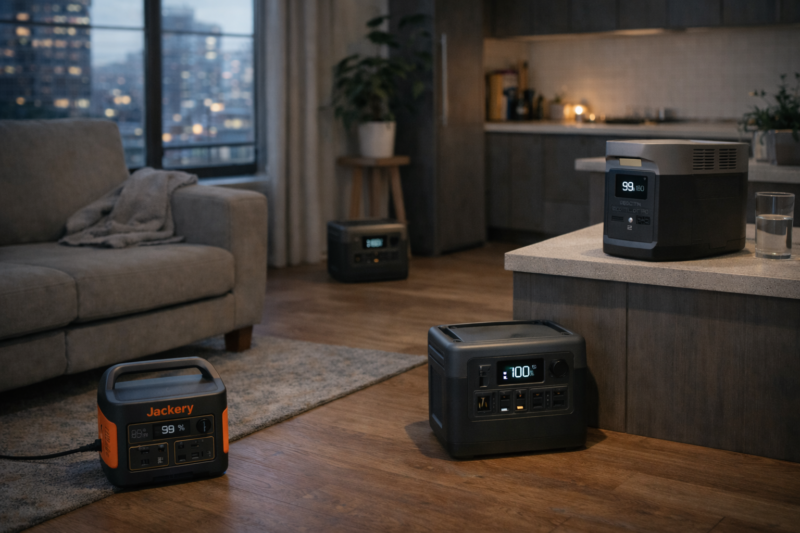
If your goal is basic emergency backup for phones, lighting, and a laptop, a unit in the 500-700Wh range is usually sufficient.
If you work from home, expect longer outages, or want additional runtime for networking equipment and multiple devices, the 700-1000Wh category offers a comfortable balance between portability and capability.
Users planning to expand with additional batteries or portable solar panels will generally benefit from choosing a model that supports future expansion from the beginning.
Apartment-Friendly Setup: Organizing Your Power Station for Fast Deployment
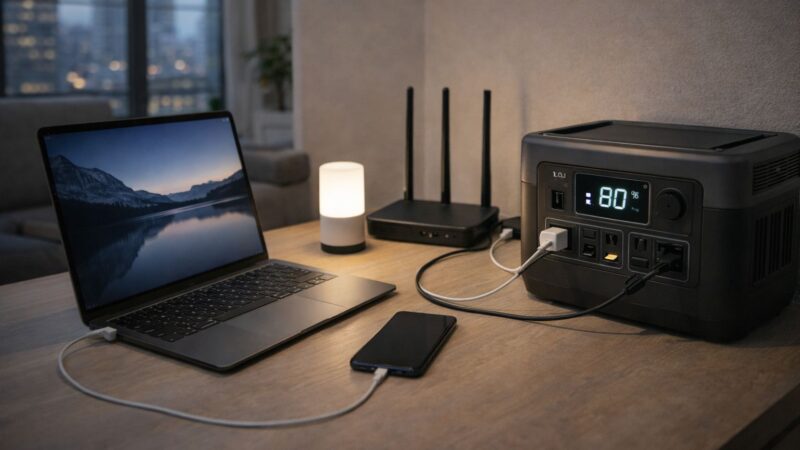
A portable power station provides the most value when it can be placed into service quickly.
During an outage, people rarely have the patience to search through closets, untangle cables, or decide which devices should be connected first. A few minutes of preparation beforehand removes that uncertainty.
The first consideration is storage.
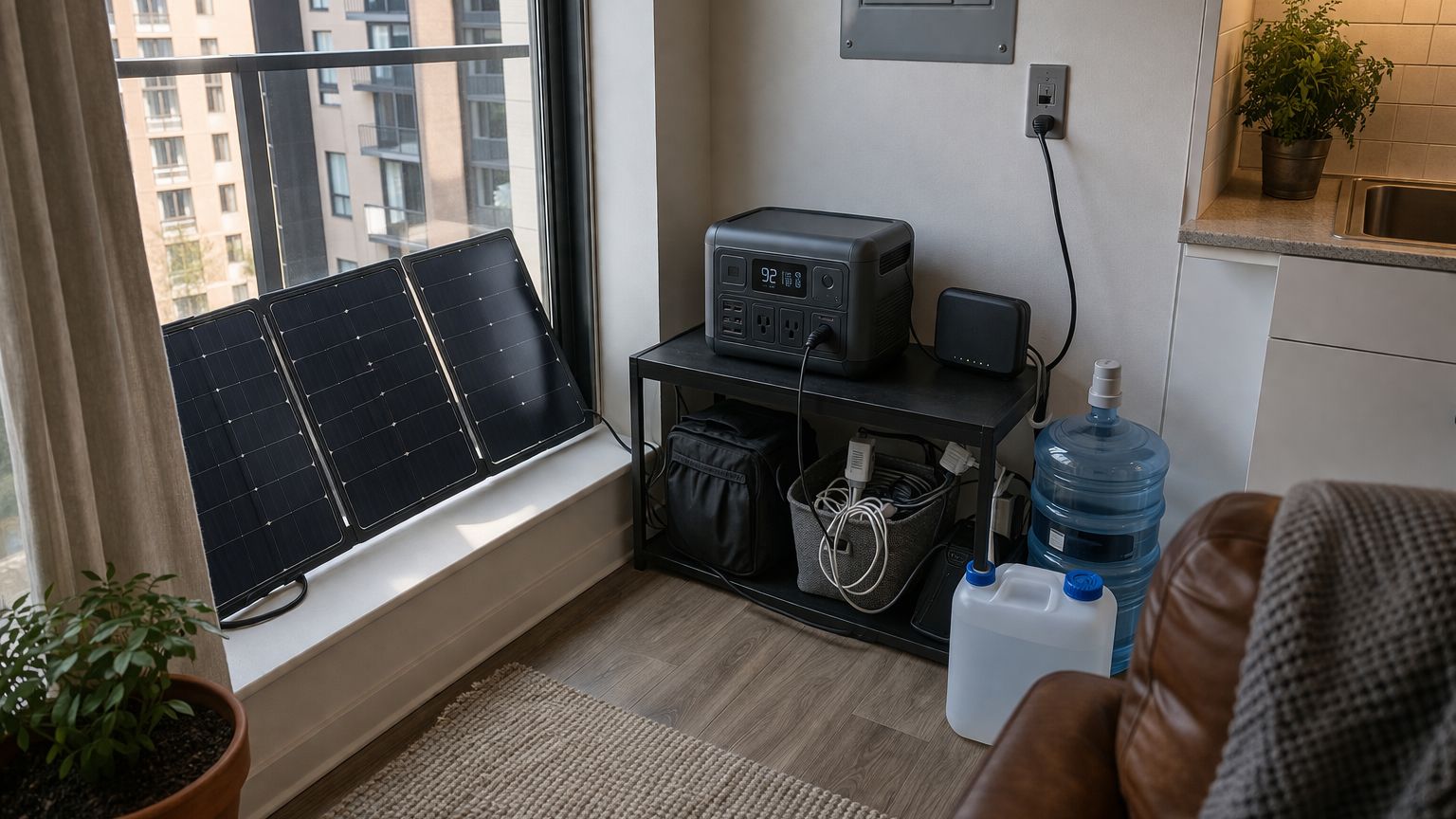
Choose a location that protects the unit from excessive heat, moisture, and direct sunlight while keeping it easy to reach. A dedicated shelf, closet, or corner of a room usually works well, provided the power station is never buried behind boxes or seasonal storage.
Accessibility matters just as much as protection.
A backup system that takes several minutes to locate and assemble loses much of its practical value during an unexpected outage.
Keep Essential Accessories Together
Store everything needed to operate the system in one location.
This typically includes:
- Charging cables
- A quality extension cord
- A compact power strip
- USB charging cables
- A flashlight or LED lantern
Keeping these items together eliminates unnecessary searching and makes deployment much faster.
Think Through Your Deployment Sequence
Experienced users generally follow the same routine every time.
- Confirm the outage.
- Turn on the power station.
- Connect essential equipment first.
- Add secondary devices if sufficient capacity remains.
Following a consistent sequence helps prevent unnecessary battery drain and reduces the chance of accidentally overloading the system during the first few minutes of an outage.
Prepare Before You Need It
The easiest way to improve your setup is to use it occasionally under normal conditions.
Power your internet equipment from the battery for an evening. Charge your laptop during a workday. Run lighting from the system for a few hours.
These small exercises reveal practical issues that are difficult to identify on paper.
You may discover a cable that is too short, equipment that would be better stored elsewhere, or a device that consumes more power than expected.
Correcting those small details ahead of time makes the entire system feel much more intuitive when it is eventually needed.
What This Looks Like in a Typical Apartment
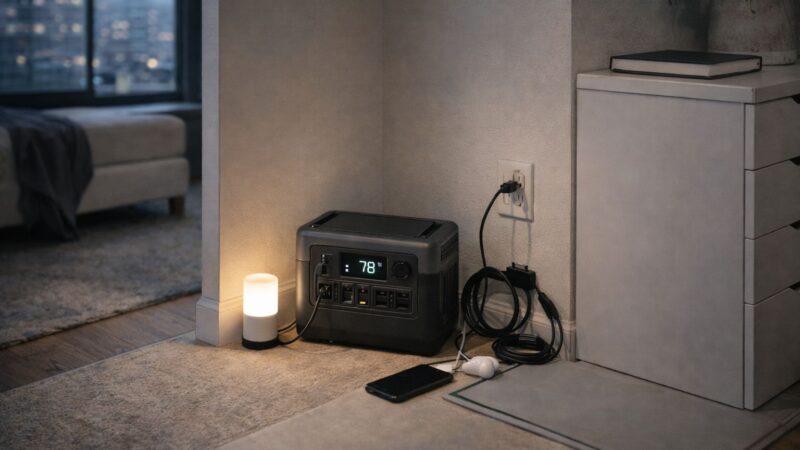
A practical apartment backup system is often much smaller than people expect.
A mid-sized portable power station stored near a home office or in an accessible closet can comfortably support many of the devices people rely on every day.
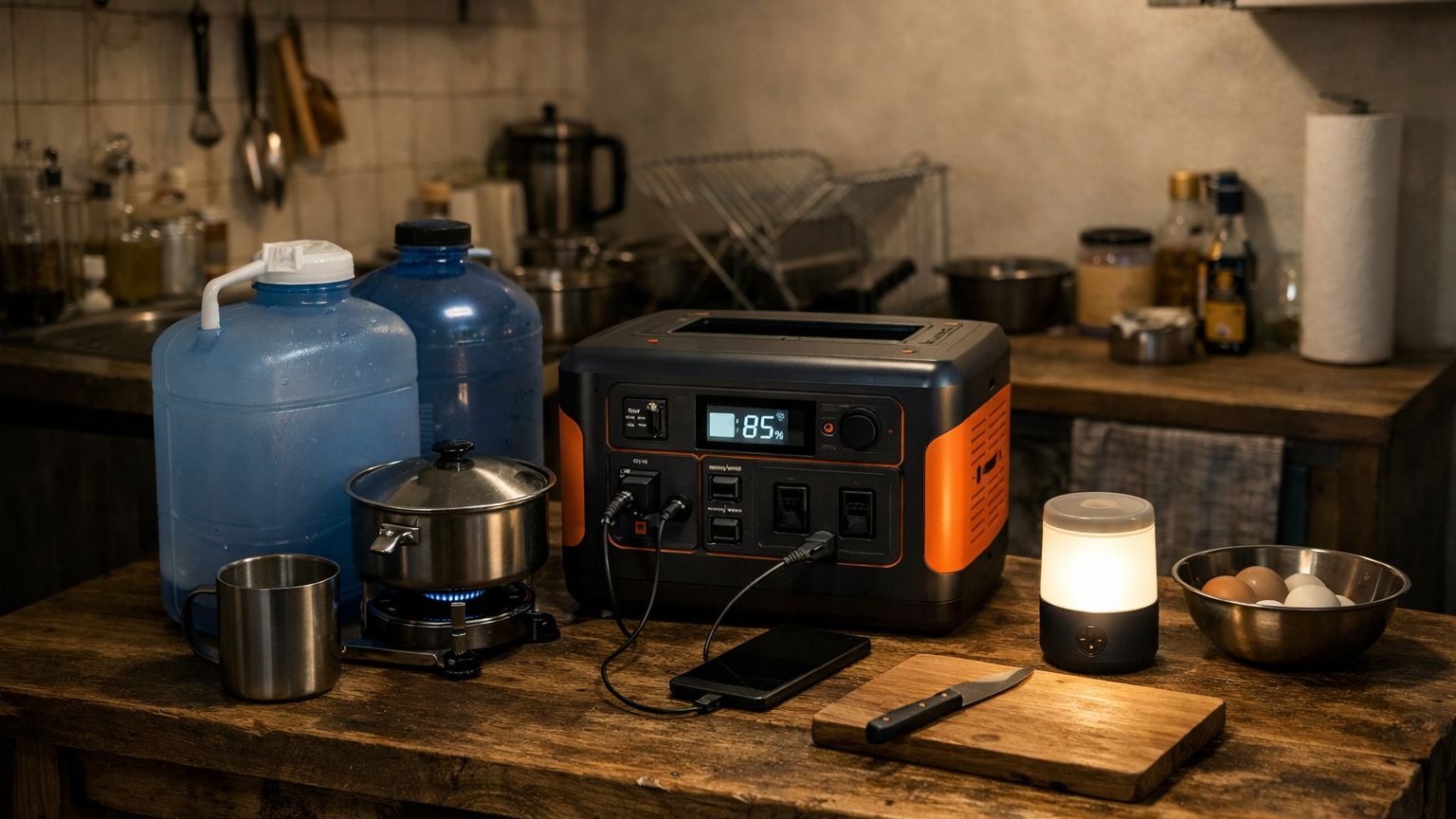
During an outage, it may be used to:
- Keep internet equipment running
- Charge phones and laptops
- Power LED lighting
- Support other essential low-power electronics
The equipment remains compact enough to integrate into everyday living while providing meaningful backup capability whenever utility power becomes unavailable.
Real-World Runtime: What Power Stations Actually Deliver
Battery capacity is one of the easiest specifications to compare and one of the easiest to misunderstand.
A power station rated at 1000Wh does not normally deliver the full 1000Wh to connected devices.
Part of that energy is consumed by the inverter as it converts stored DC battery power into household AC electricity. Additional losses occur as cables, charging circuits, and connected devices all operate with varying levels of efficiency.
As a result, real-world usable capacity is usually somewhat lower than the published battery capacity.
Device Usage Is Rarely Constant
Another important consideration is that very few household devices draw the same amount of power continuously.
A laptop may consume relatively little power while browsing the web, then briefly draw much more while exporting video or compiling software.
Internet equipment remains comparatively steady.
Phone charging starts quickly before slowing dramatically as the battery approaches full capacity.
LED lighting remains one of the most predictable loads in an apartment.
Because these devices behave differently throughout the day, actual runtime is rarely identical to simple watt-hour calculations.
Small Details Affect Runtime
Several factors influence overall performance:
- Inverter efficiency
- Idle power consumption
- Ambient temperature
- Battery age
- The mix of connected devices
Each may have only a modest effect on its own, but together they explain why identical power stations often produce different runtimes in different homes.
The most reliable way to understand your own system is to test it under realistic conditions.
Running the equipment you expect to rely on during an outage provides much more useful information than relying entirely on published specifications.
Those observations become the foundation for realistic expectations and better planning during future outages.
How Long Will It Last?
Runtime depends on two things:
- The amount of energy stored in the battery.
- The amount of power your devices consume.
A phone may recharge many times from a mid-sized power station, while a laptop, internet equipment, and several lights operating together will gradually reduce available runtime throughout the day.
The important point is that runtime changes with usage.
Turning off unnecessary AC outlets, disconnecting devices once they are fully charged, and using energy-efficient lighting can noticeably extend how long the system remains available during an outage.
Testing your own equipment under realistic conditions provides the most accurate picture of what your power station can support.
Solar Charging in Apartments
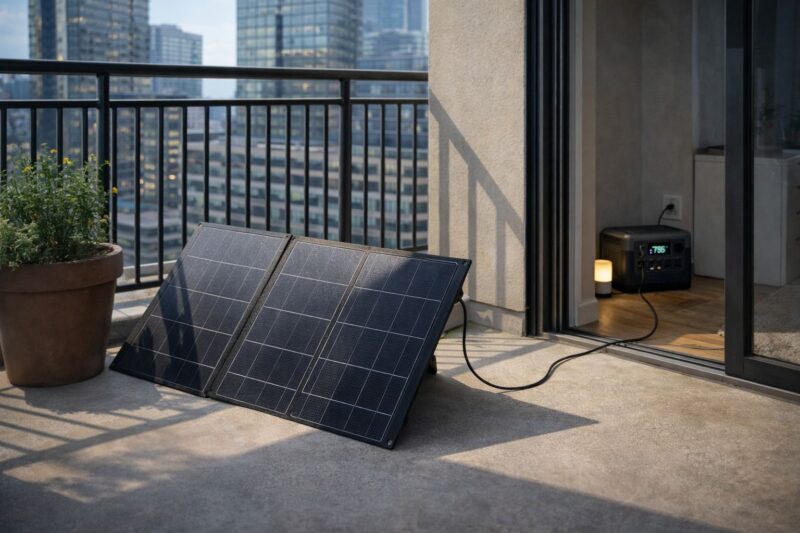
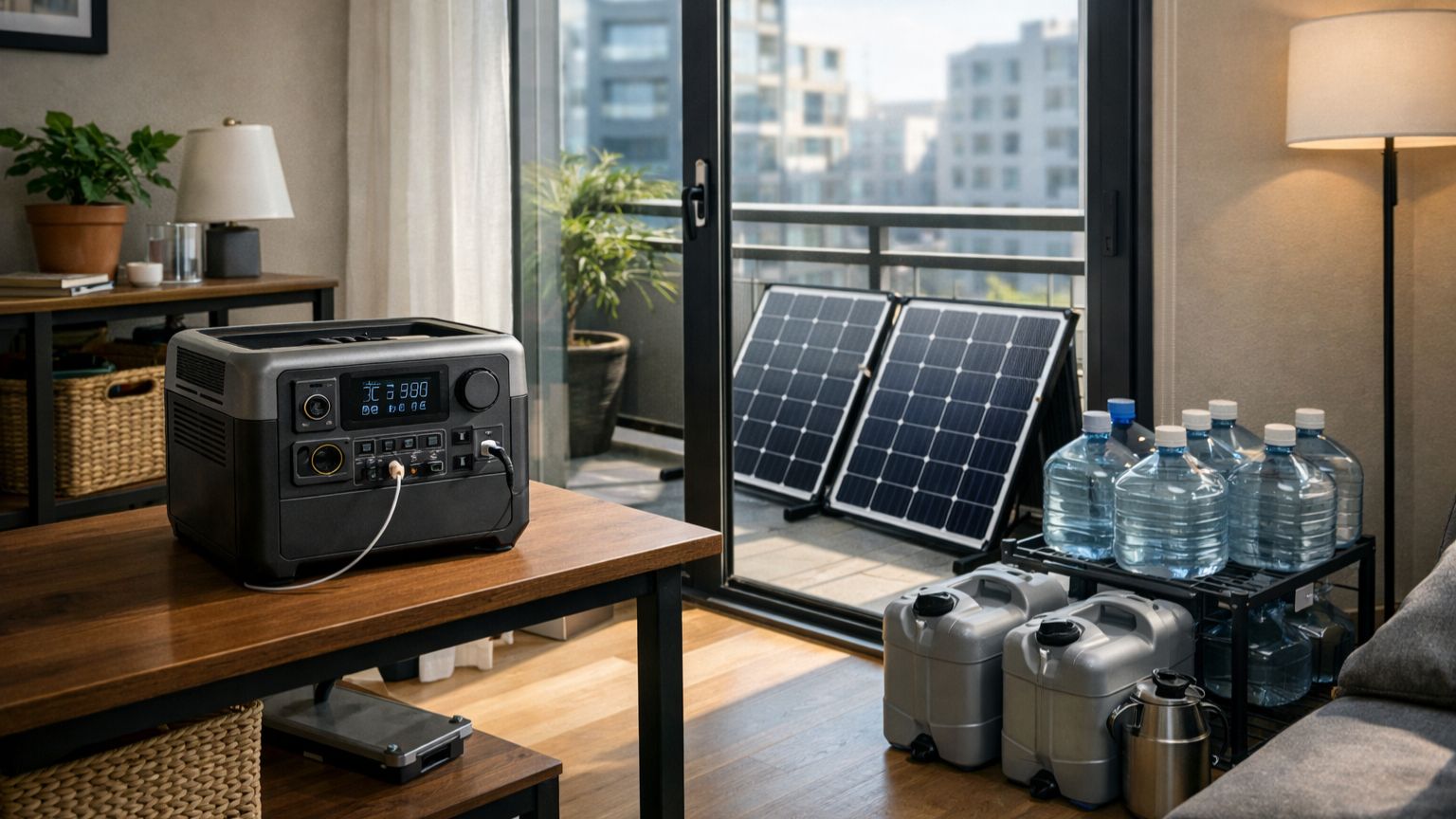
Portable solar panels can extend the usefulness of a power station during longer outages, although apartment installations naturally have more limitations than rooftop systems.
Common options include:
- Balcony placement
- Private patio areas
- Temporary outdoor deployment where permitted
Solar production depends on available sunlight, panel orientation, shading from nearby buildings, and seasonal weather conditions.
For many apartment users, portable solar should be viewed as a supplementary charging option rather than the primary source of energy.
Even partial daily recharging can meaningfully extend battery runtime during prolonged disruptions.
Common Buying Mistakes
Many purchasing mistakes occur because expectations are established before daily power needs are fully understood.
The most common examples include:
Buying More Capacity Than You Need
Larger batteries provide longer runtime, but they also increase purchase price, weight, and storage requirements.
Choosing capacity based on realistic everyday needs usually produces better long-term value than simply buying the largest available model.
Overlooking Recharge Speed
Recharge time affects every future use of the system.
A battery that recharges quickly is ready sooner after an outage and remains much more practical if interruptions occur over several consecutive days.
Expecting Household Backup From a Portable Unit
Portable power stations are designed to support essential devices.
Attempting to operate multiple high-demand appliances at the same time rapidly increases energy consumption and shortens available runtime.
Understanding those practical limits leads to much more satisfying long-term ownership.
Choosing the Right Size for Your Apartment
Selecting the right capacity is usually easier when you begin with your expected usage instead of battery size.
A smaller unit often makes sense if you mainly want to:
- Charge phones
- Power internet equipment
- Run LED lighting
- Keep a laptop operating
Larger units become worthwhile when longer outages, additional devices, or future expansion are part of your plans.
Buying for today’s needs while leaving reasonable room for future growth usually provides the best balance between cost, capability, and portability.
Integration With a Larger Off-Grid System
Portable power stations also work well as the foundation of a broader urban preparedness plan.
They naturally support:
- Backup lighting
- Device charging
- Portable solar panels
- Communication equipment
- Small emergency appliances
Because everything remains modular, additional equipment can be added gradually as needs change without replacing the original system.
When Is It Time to Upgrade?
Most people eventually reach a point where their first power station no longer reflects the way they use it.
Several situations usually indicate that additional capacity or capability would be beneficial.
Your battery regularly reaches a low state of charge before utility power returns.
You consistently need to choose which essential devices remain connected.
Your household now relies on more equipment than when the system was first purchased.
Longer outages have become more common, or your preparedness goals have expanded.
Upgrading does not always require replacing the original unit.
Depending on the model, you may be able to:
- Add expansion batteries
- Increase portable solar capacity
- Purchase a second power station for additional flexibility
- Improve overall efficiency by replacing higher-consumption devices
Expanding gradually allows the system to evolve alongside your needs while making the most of your existing investment.
The Goal: Dependable Everyday Backup
A portable power station should be easy to use long before an emergency occurs.
The best systems remain charged, organized, and ready for immediate use without requiring complicated setup or constant attention.
When backup power becomes part of your normal routine, it is much easier to rely on confidently whenever utility power becomes unavailable.
Final Thoughts
Portable power stations are one of the most practical investments apartment residents can make for emergency preparedness and everyday resilience.
The right model depends on your available space, the devices you need to support, and how long you expect to operate without utility power.
Starting with realistic expectations, choosing a capacity that matches your actual needs, and using the system regularly will provide far more value than simply buying the largest battery available.
Over time, a well-chosen power station often becomes the foundation of a dependable urban backup system that can continue growing alongside your preparedness goals.